
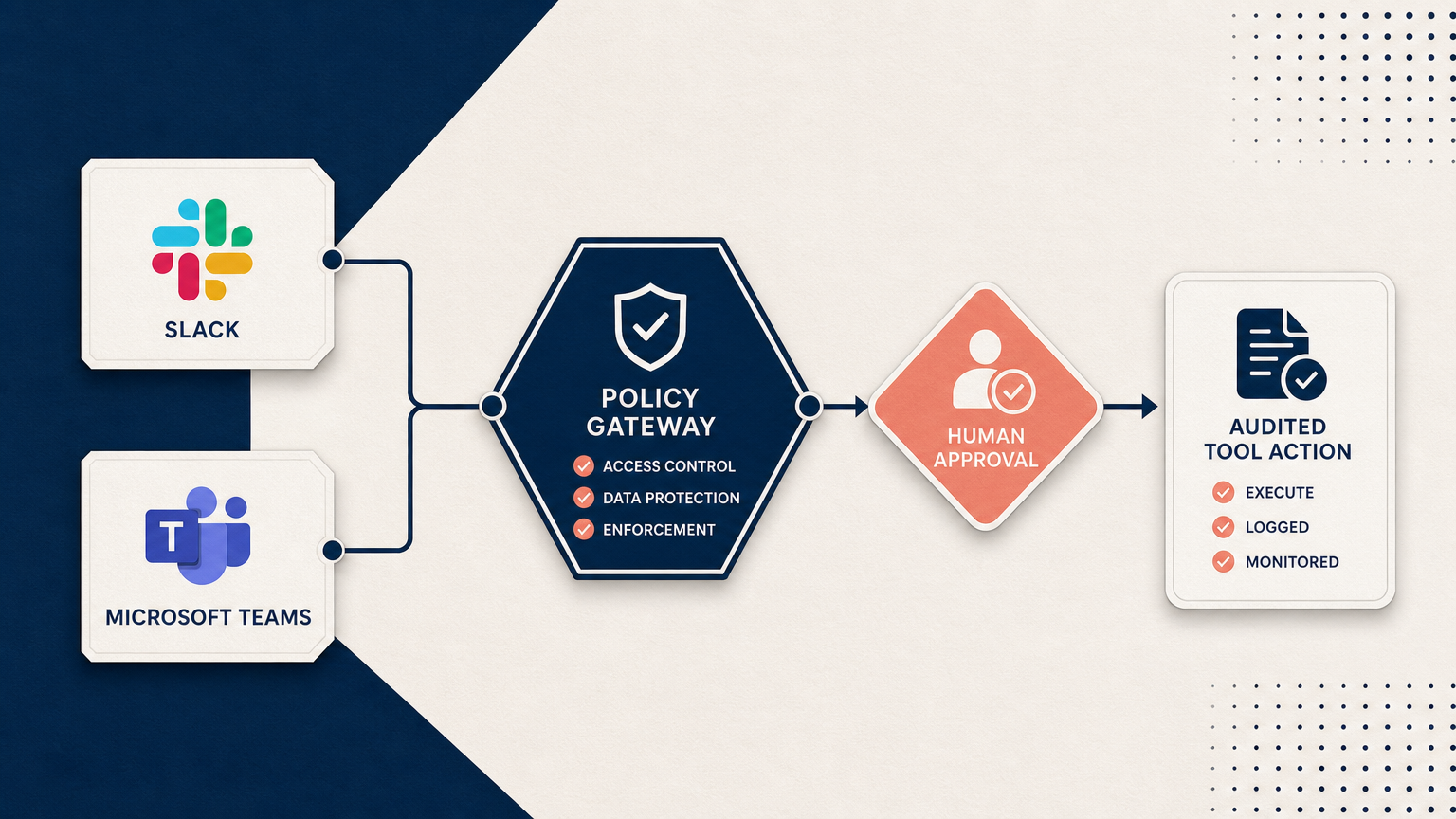
The business question is bigger than the channel
Bringing AI into Slack or Microsoft Teams can make assistance feel immediate. Employees can ask questions where work is already happening, receive help without changing tools, and move routine requests forward more quickly.
But convenience changes the risk profile. A workplace conversation may include confidential documents, customer information, personnel matters, commercial plans, or decisions that should never be made without a named human owner.
The important question is not, "Can we connect an AI agent to a workplace channel?" It is, "What must remain controlled when AI becomes part of everyday work?"
Five decisions leaders should make first
1. Who is the agent allowed to serve?
Being present in a company channel should not automatically grant access to every system or every piece of knowledge.
Leadership should define which teams, roles, and approved use cases the agent supports. Access should reflect the person's real business permissions, not merely their ability to send a message.
2. What information may enter the conversation?
A useful assistant needs context, but more context is not always better. Organizations should decide which knowledge sources are approved, which information is restricted, and when the safest answer is to direct the employee to a human.
Those boundaries should be understandable to both employees and system owners.
3. What may the system remember?
A conversation in one team, department, or client environment should not quietly become context somewhere else.
Leaders need an explicit policy for what is retained, how long it is retained, who can retrieve it, and when it must be deleted. Memory should serve the business purpose without becoming an uncontrolled pool of sensitive information.
4. Which actions require a person?
Answering an approved question is different from changing a customer record, sending a message, approving a payment, or updating a business system.
Organizations should separate low-risk assistance from consequential action. When an action carries financial, legal, personnel, customer, or reputational impact, the responsible person should remain visible and in control.
5. Who owns the outcome?
Every workplace AI experience needs a real operating owner. Someone must be responsible for access decisions, source quality, escalations, incidents, and ongoing improvement.
Without that ownership, an apparently helpful assistant can become difficult to supervise and even harder to correct.
What employees should experience
Good governance should not feel like friction for its own sake. Employees should see:
- clear explanations of what the assistant can and cannot do;
- answers grounded in approved business information;
- visible handoffs when a person is needed;
- confirmation before consequential actions;
- consistent behavior across departments and channels; and
- a practical way to report an incorrect or unsafe result.
The experience should make the right path easier, not merely add warnings around an unclear system.
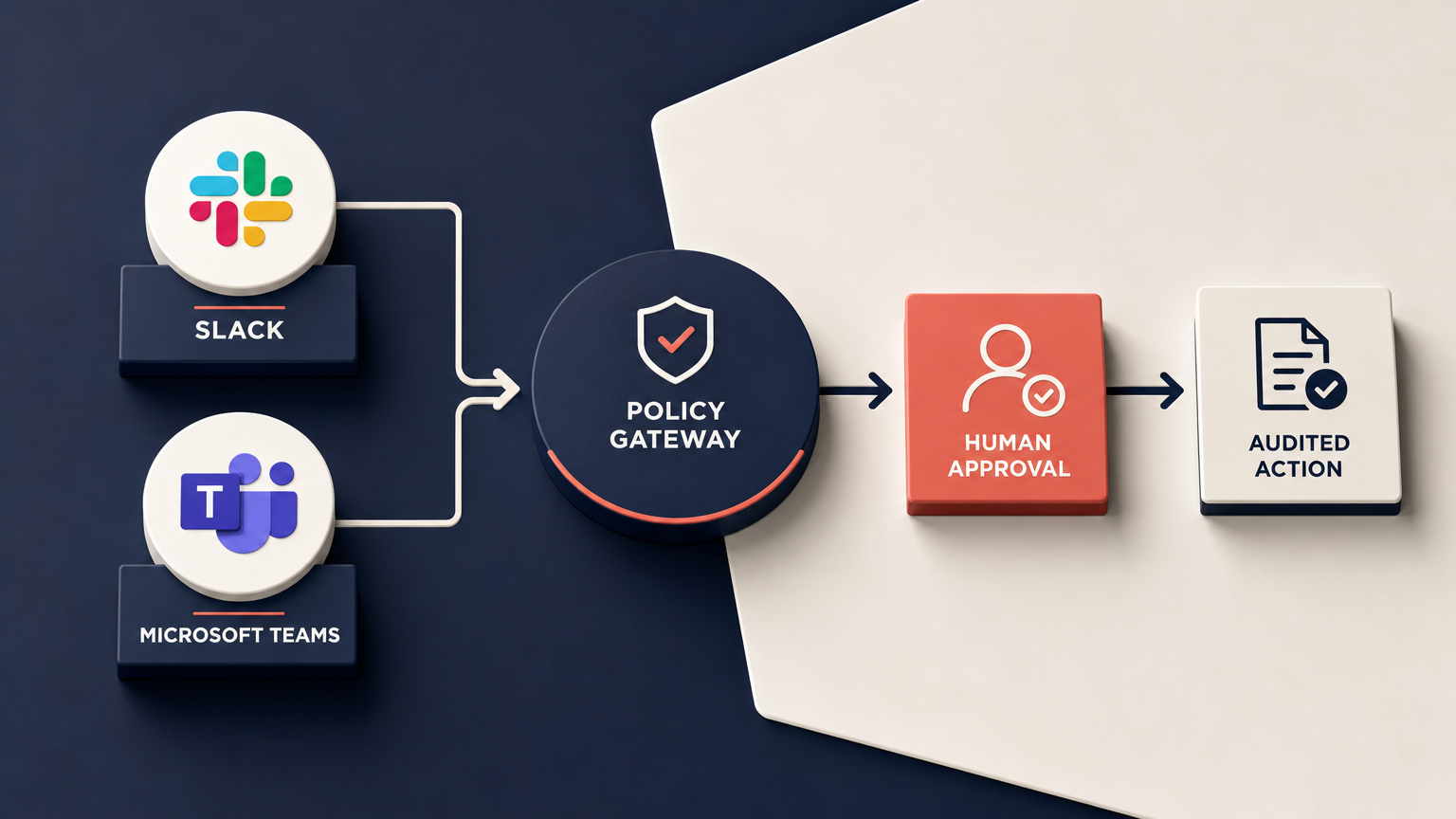
Warning signs that a rollout is moving too quickly
A business may not be ready to expand workplace AI when:
- permissions depend mainly on written instructions to the model;
- nobody can explain which sources the assistant uses;
- conversations can cross client or departmental boundaries without a clear rule;
- actions occur without a named approver;
- employees do not know when they are speaking with automation;
- there is no reliable human escalation path; or
- leadership cannot reconstruct what happened after a mistake.
These are operating-model problems. A new connector or model will not solve them by itself.
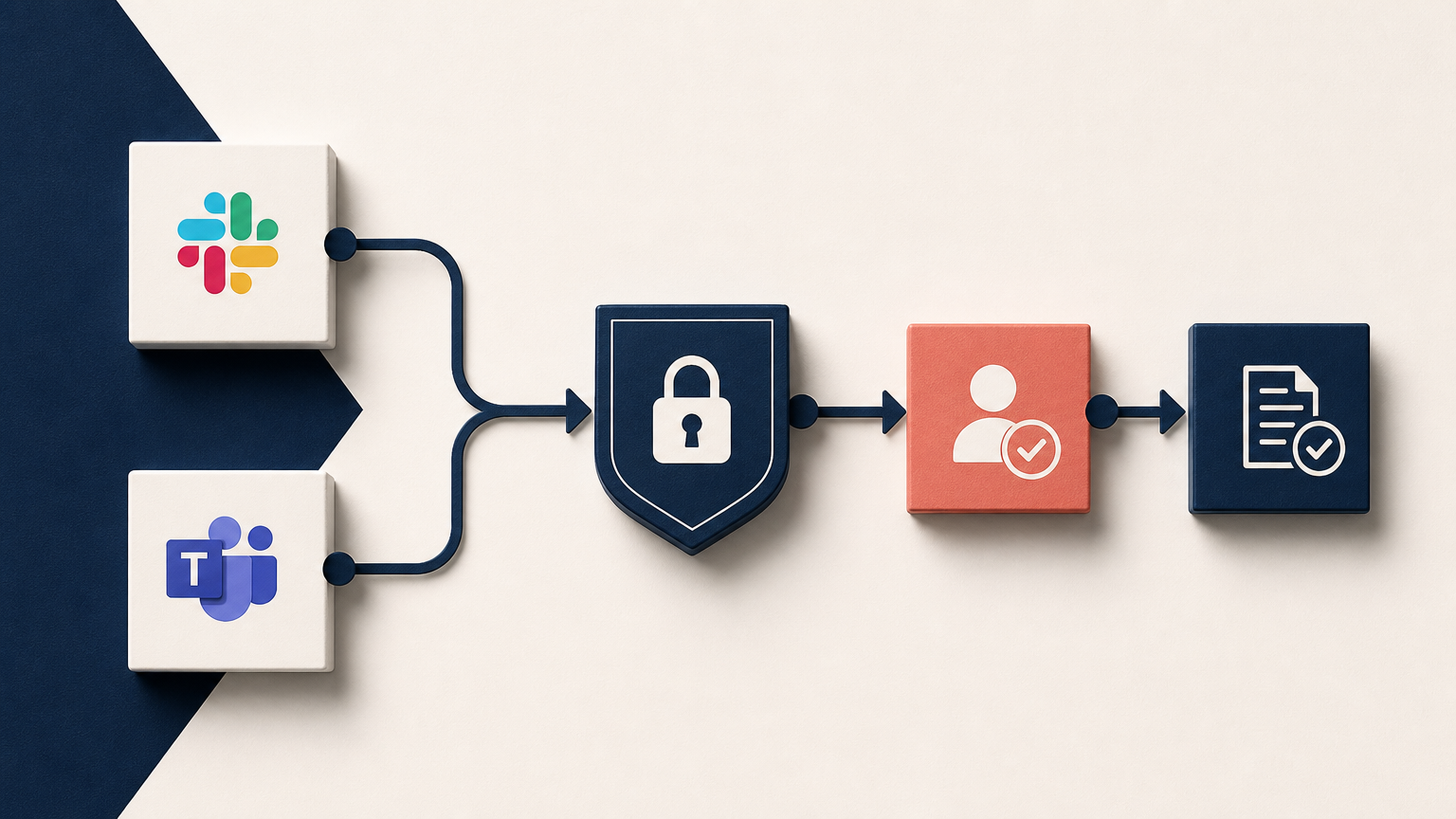
A responsible path forward
Start with a narrow business outcome that is useful and easy to supervise. Define the permitted audience, approved knowledge, escalation owner, and success measure before expanding the experience.
Then evaluate the system from the employee's perspective and the operator's perspective. Is it genuinely helpful? Are the boundaries clear? Can a person intervene? Can leadership verify what happened?
Expansion should follow demonstrated trust, not excitement alone.
The SimplSolutions perspective
We believe workplace AI should be built around the business rather than asking the business to reorganize itself around a tool.
That means pairing useful assistance with governed knowledge, explicit permissions, human handoffs, and accountable operating rules. The result should help people move faster while keeping the organization in control.
Learn more about SimplSolutions integrations, or talk with our team about a governed workplace AI use case.